What is still due
A dated list of remaining items, not a calendar wall. When every line is logged, the page stamps DONE.
Local ledger · Android
Daymark is a bound page for the bottles on the shelf. Scan a barcode, log what you took, watch remaining servings, and stamp the day when the list is clear.
The page
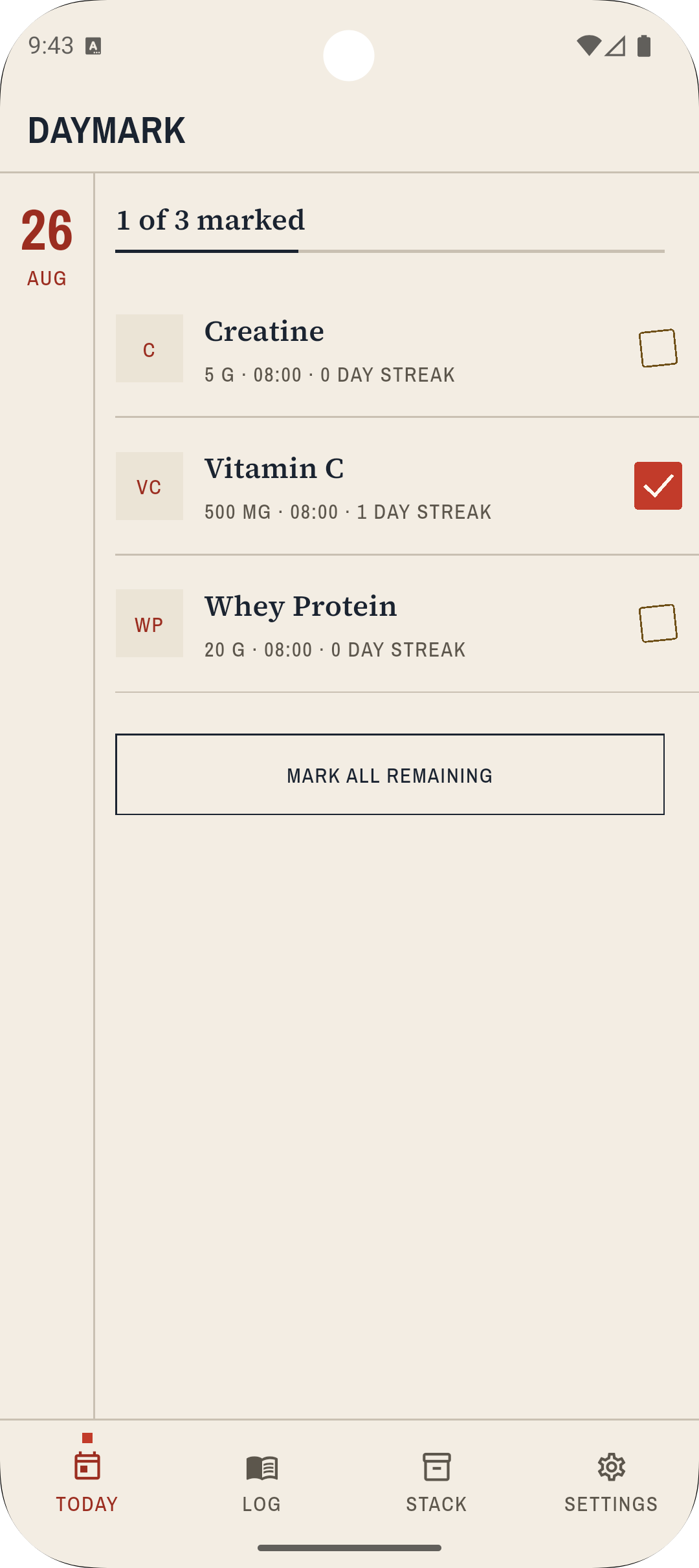
A dated list of remaining items, not a calendar wall. When every line is logged, the page stamps DONE.
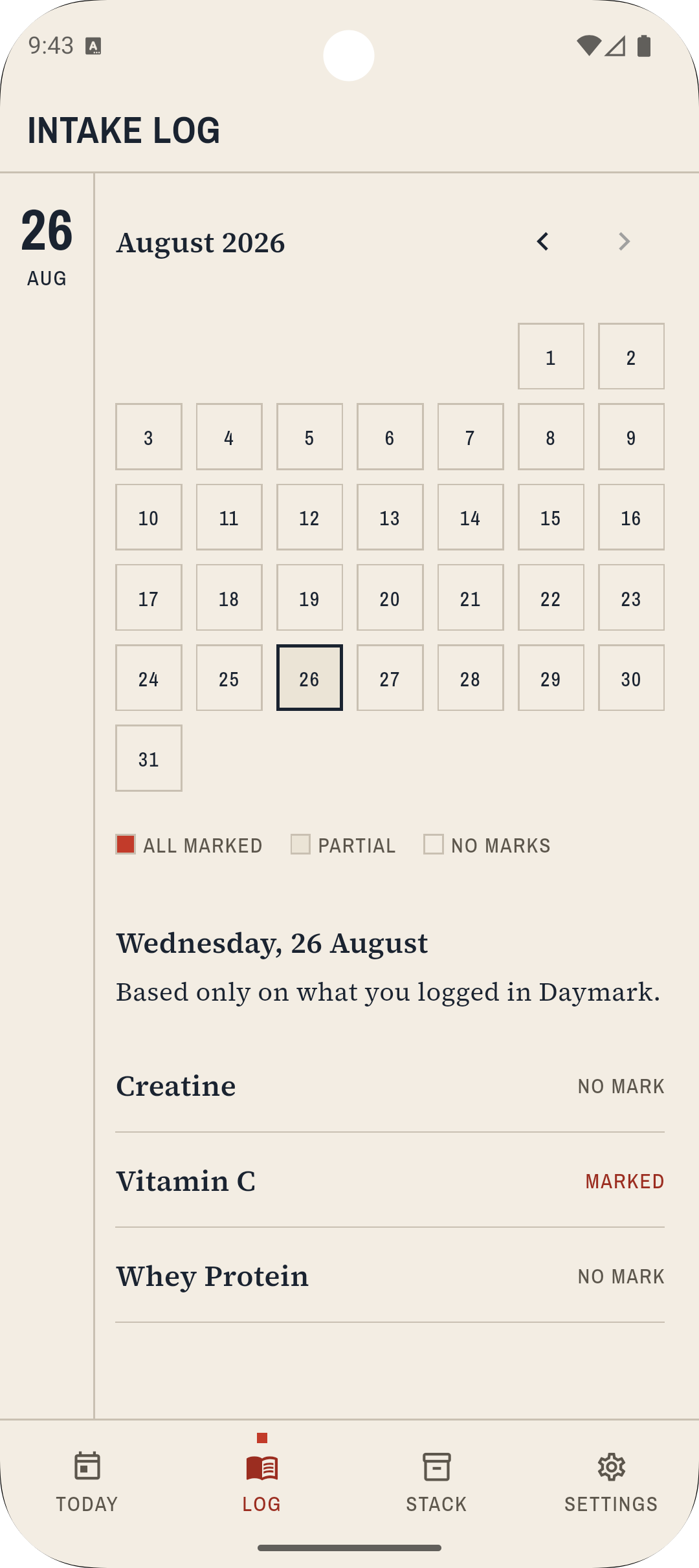
PAST and FUTURE tabs. Edit or delete a line. Notes stay on the row, like a pencil in the margin.
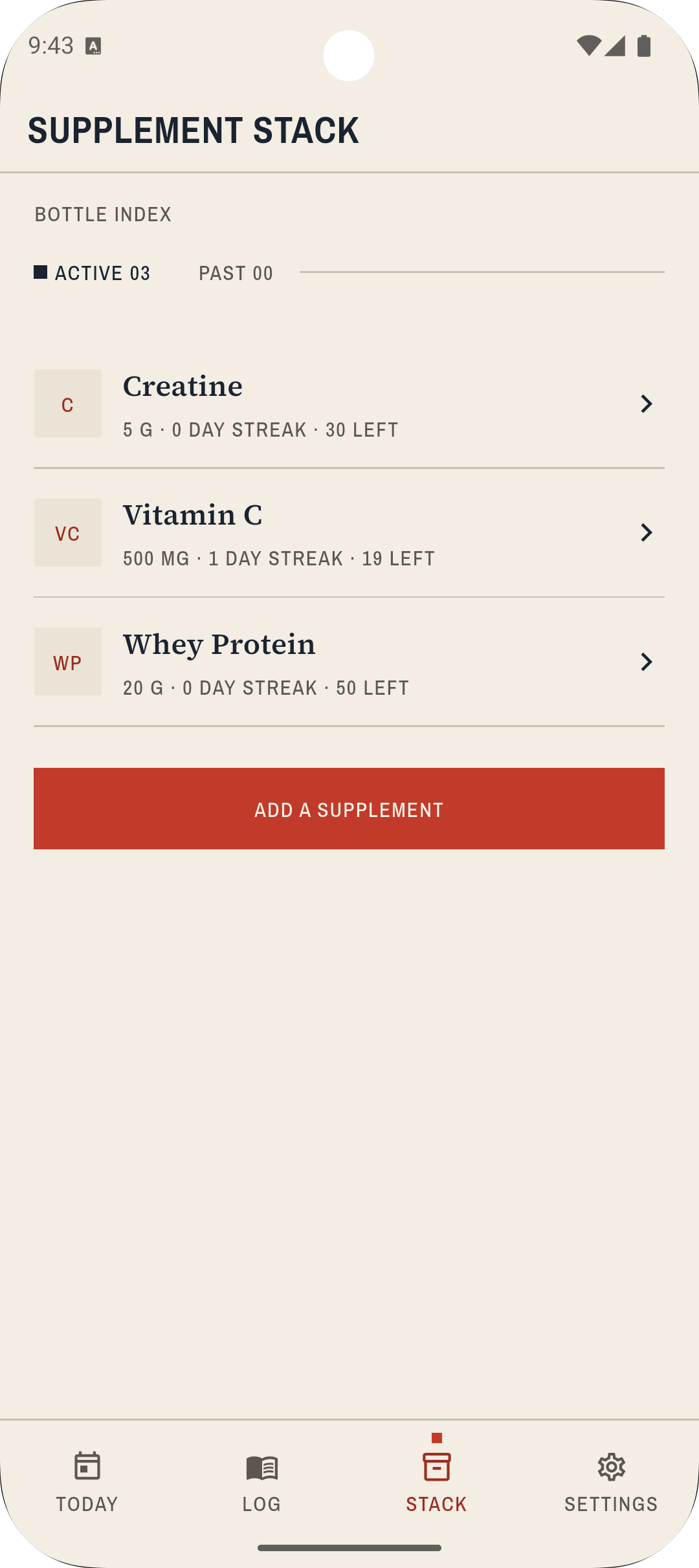
Every bottle with remaining servings. LOW when stock is thin. Empty when the last serving is gone.
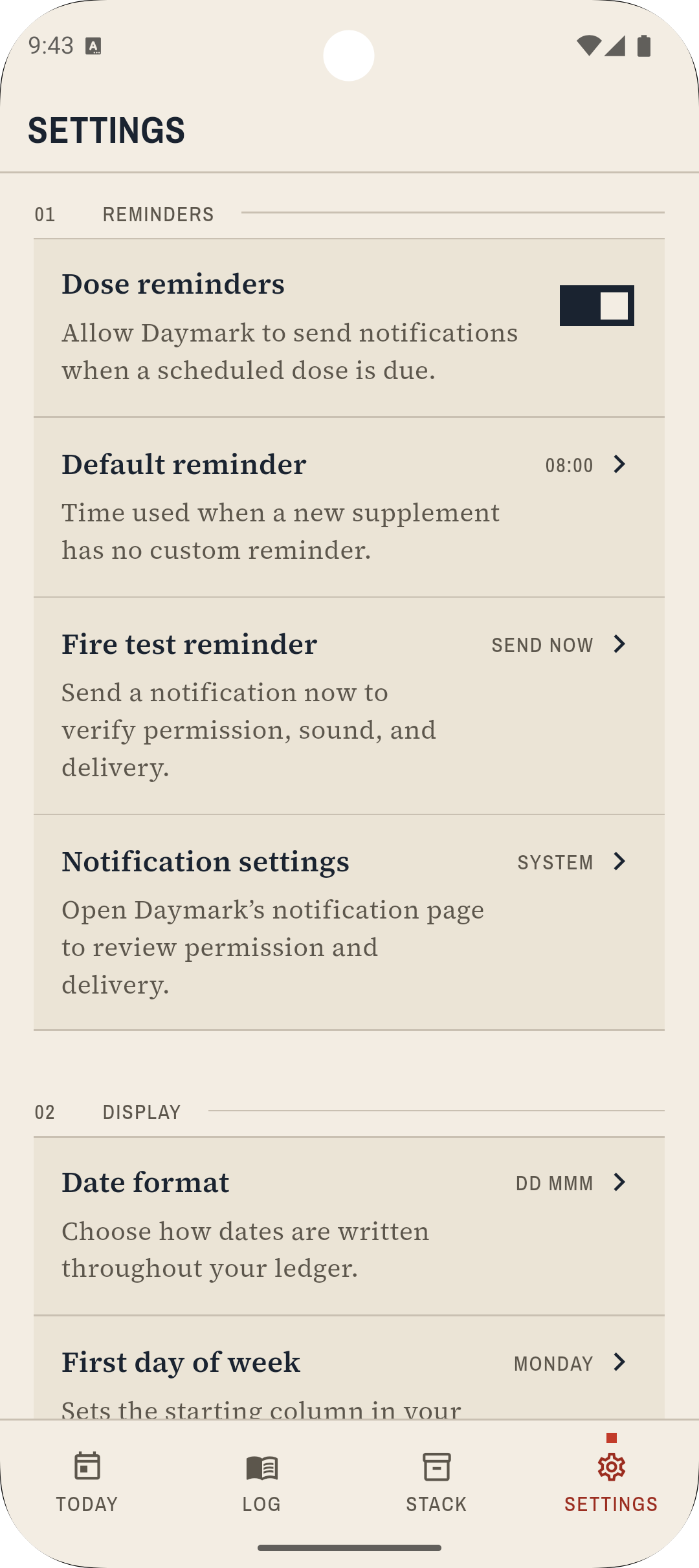
Reminders, export, legal pages, and a rate prompt. No account. No cloud sync.
On the device
How it works
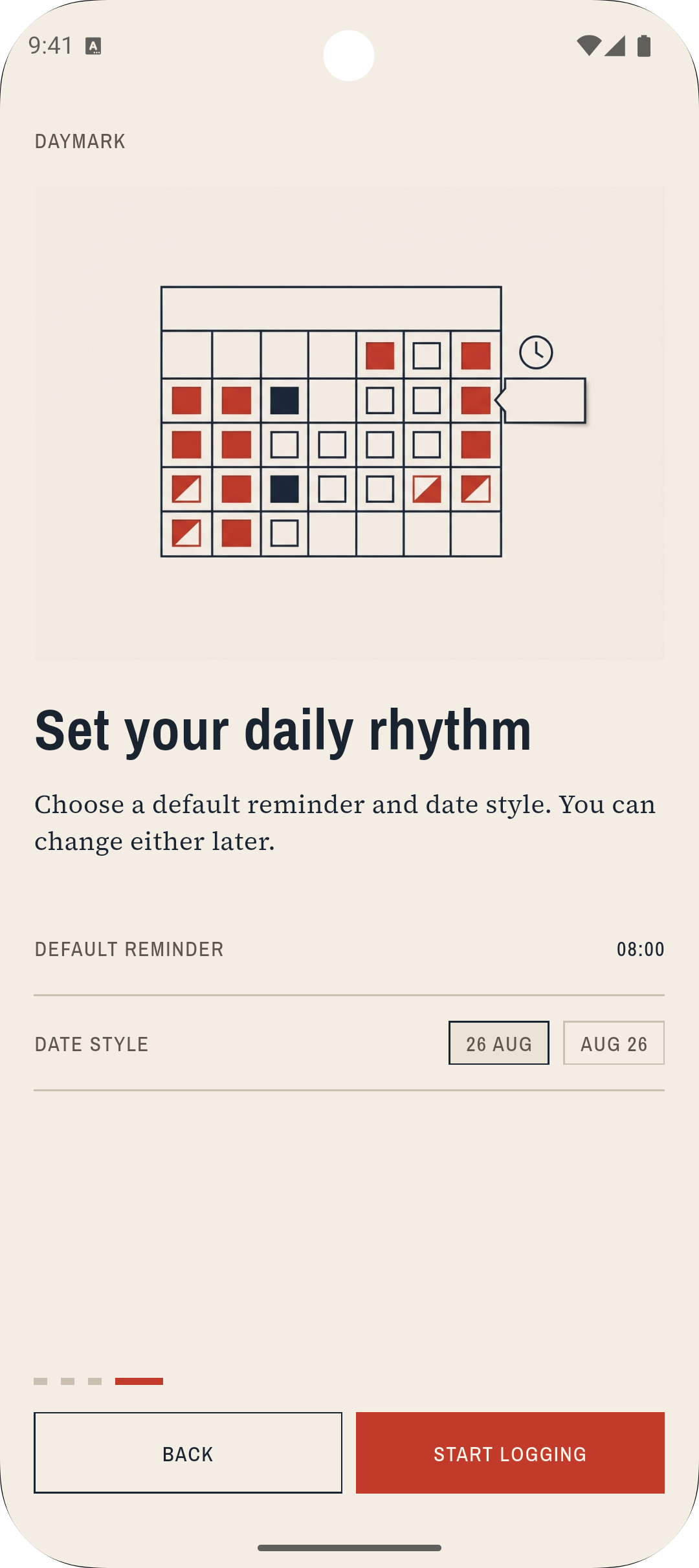
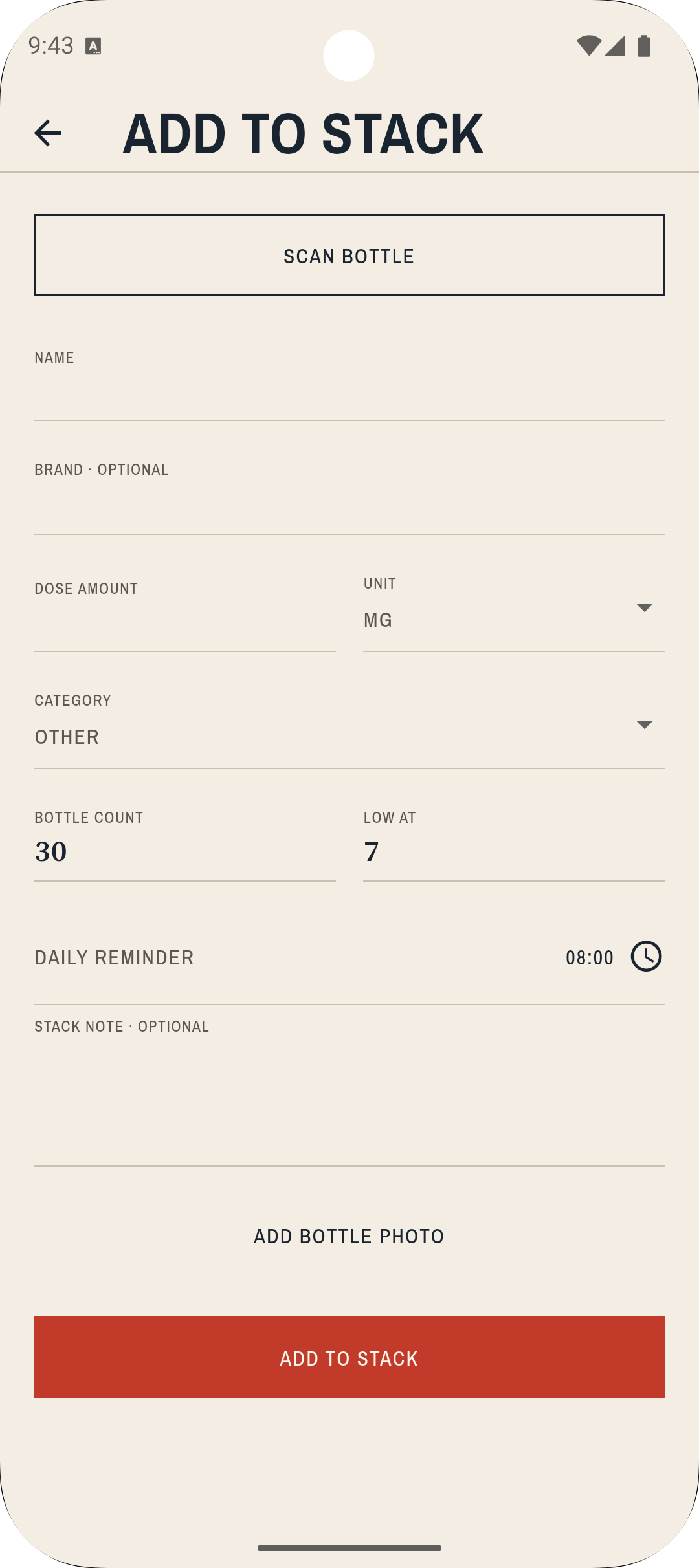
Add a bottle by name, or scan the barcode. Open Food Facts can fill the label when the code is known.
Set servings, dose, schedule, and an optional reminder. Attach a photo of the bottle if you want the shelf to match the page.
Open Today. Log each intake. Remaining servings drop. When the list is clear, the folio stamps the day.
What stays local
Names, doses, notes, photos, and the intake history sit in a local SQLite ledger. There is no Daymark account and no cloud backup from us. Export a CSV when you want a copy off the device.
A barcode lookup talks to Open Food Facts. Legal pages can load in a WebView. Everything else stays on paper.